


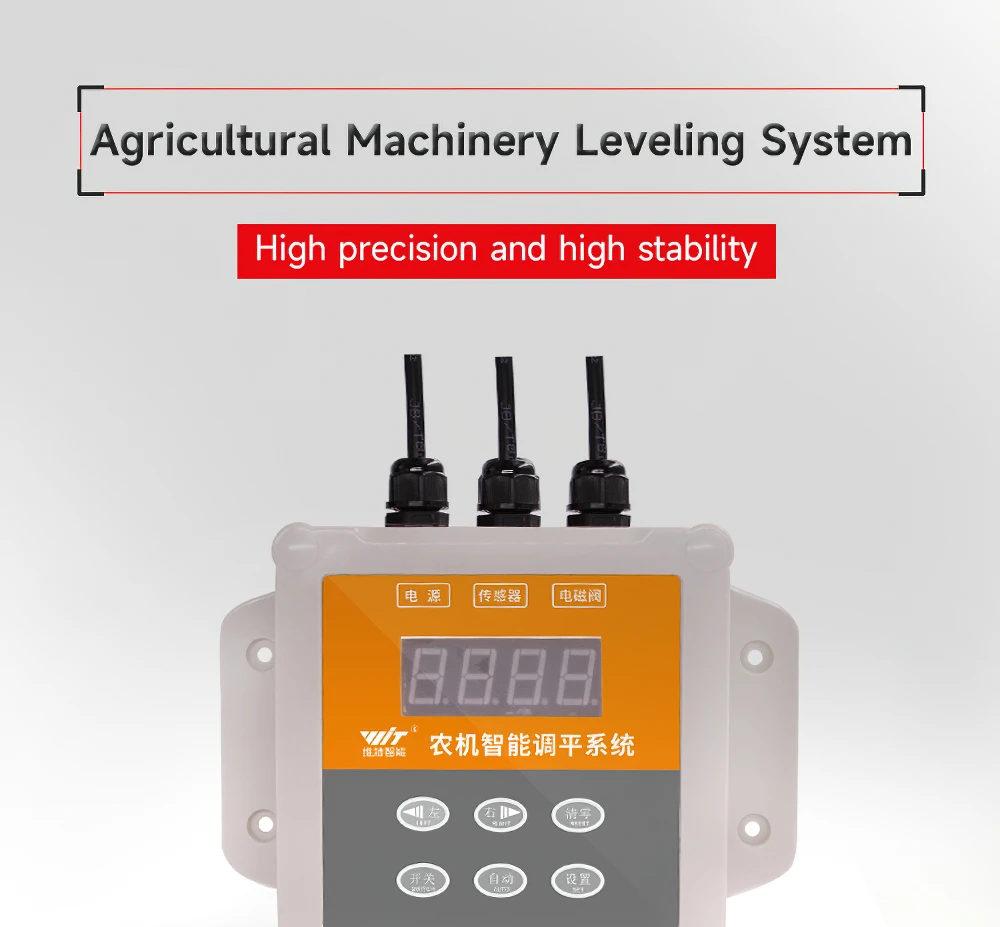
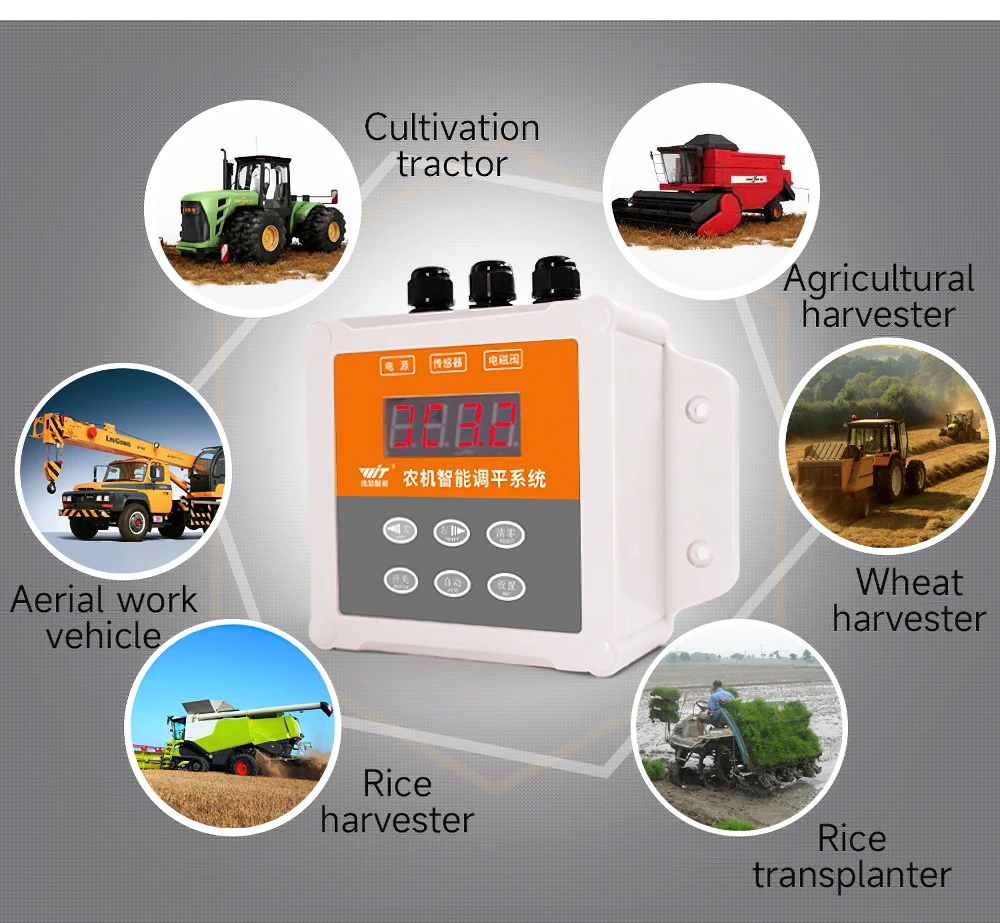
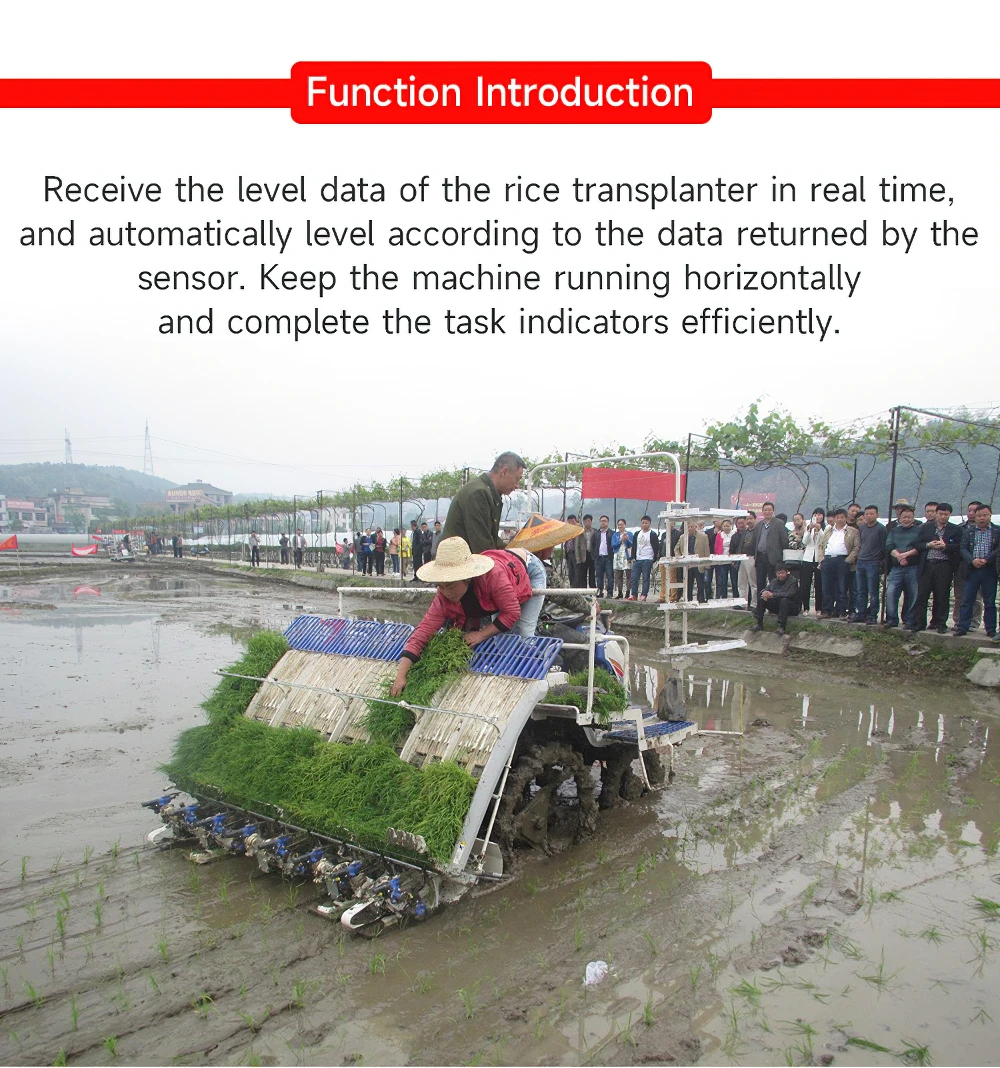
WitMotionAgricultural machinery leveling system + rice transplanter + agricultural machinery hydraulic suspension self-balancing
997 in stock
$32.00 – $479.00
- Hign-concerned Chemical: None
- is_customized: Yes
- Type: Acceleration Sensor
- Output: Digital Output
- Brand Name: WitMotion
- Origin: Mainland China
- Use: Tilt Angle Measurement
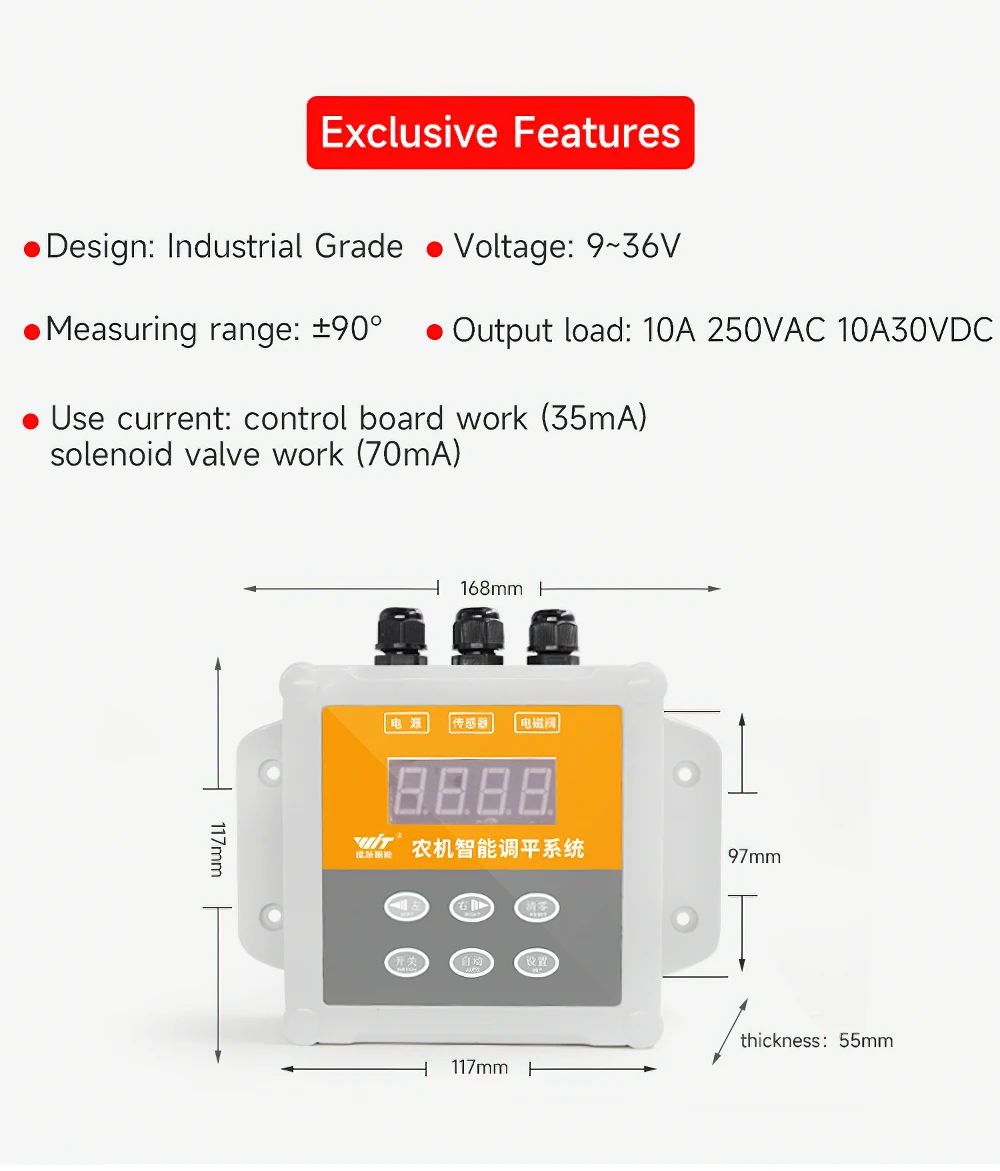
- Voltage input: 9-36V
- Output type: Digital Output
- Measuring range: + -90°
- Output load: 10A 250VAC 10A 30VDC
- Volume: 168*117*117MM
- Use current: control panel 35mA, solenoid valve70mA
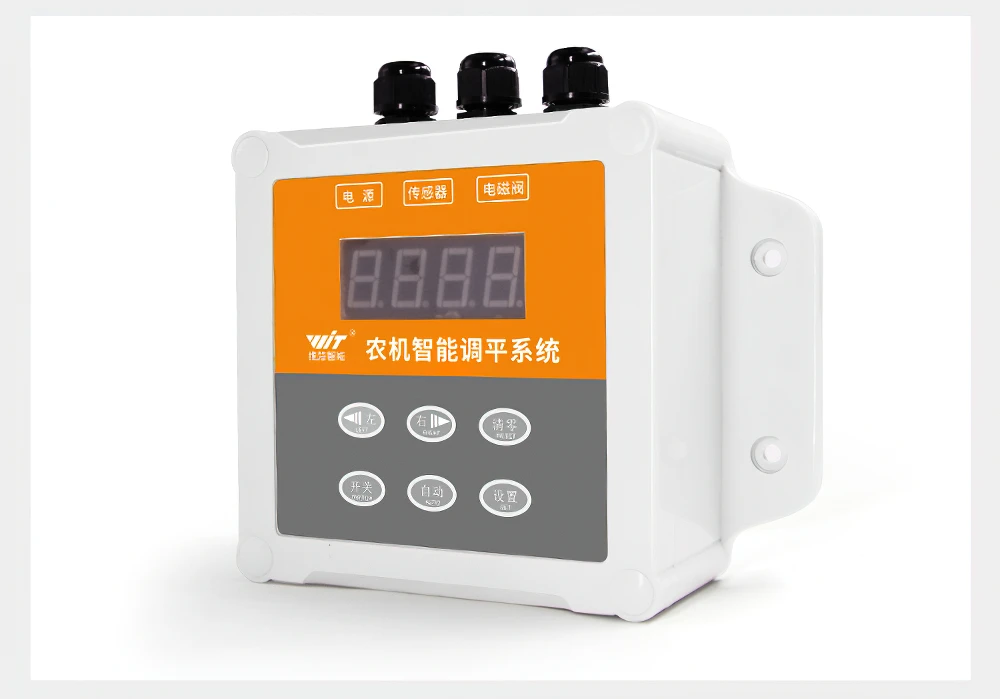
1. Button function
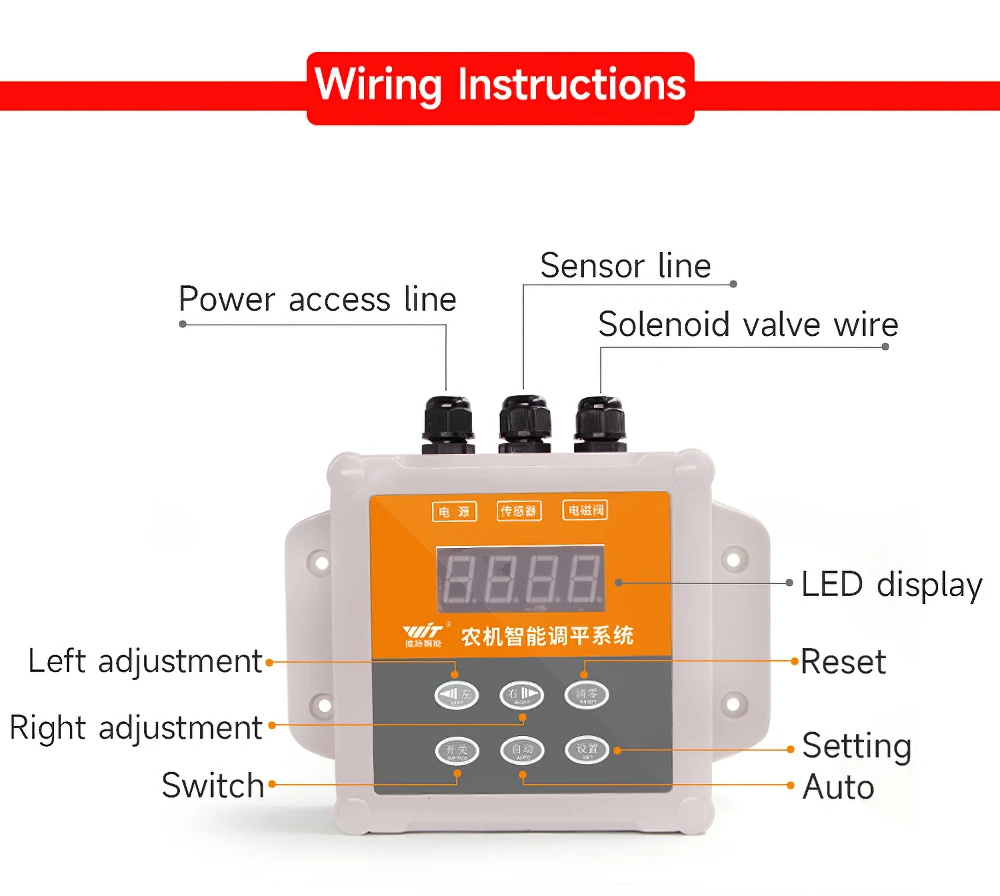
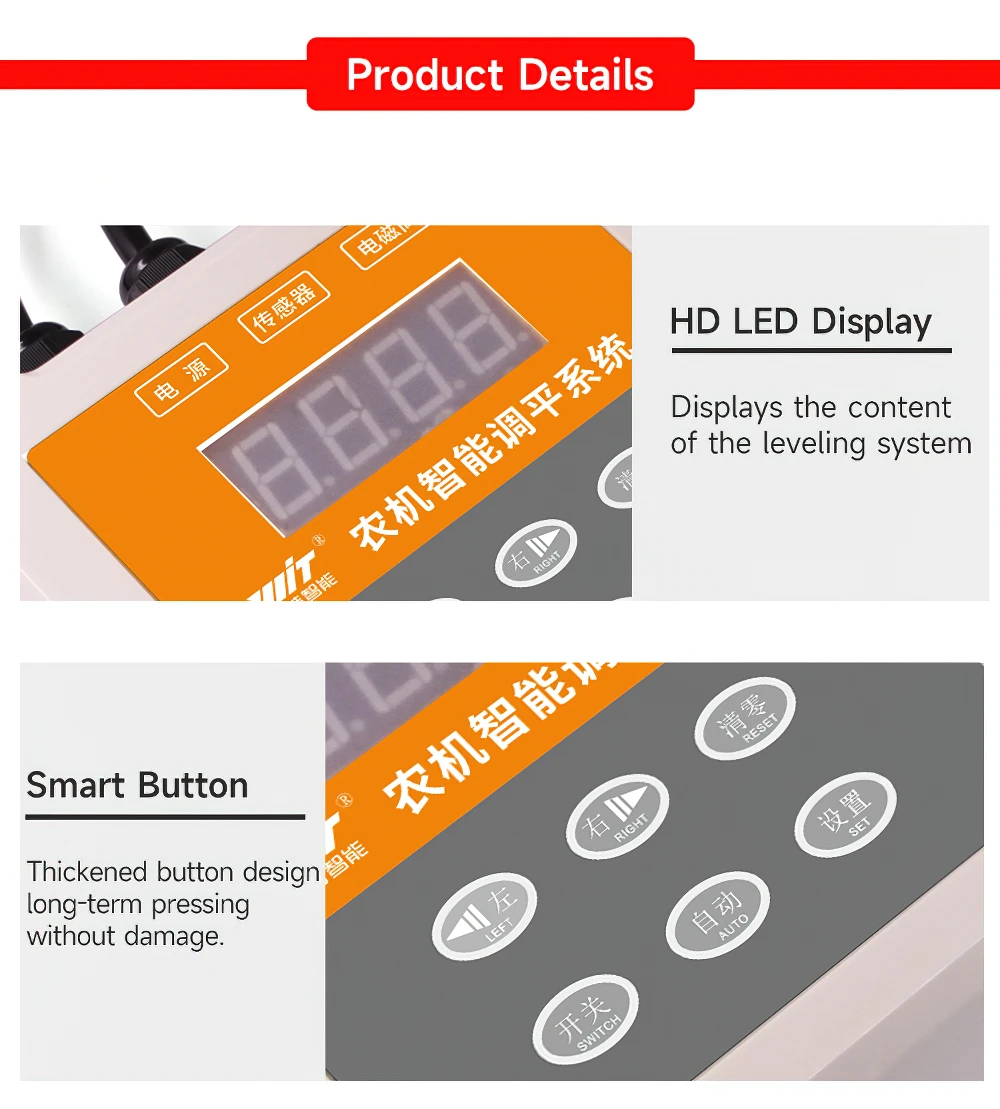
Switch: Long press to switch on and off;
Automatic: The default "manual mode" after power-on, short press to enter "automatic mode"
, long press is the same as short press;
Setting: long press to enter the "setting interface", you can set the alarm angle size,
long press again, the setting is successful, enter the "data
Display interface", short press is invalid;
Clear: Long press to automatically reset the angle to zero; short press is invalid;
Left: In manual mode, press the button to open the left battery valve;
In the automatic mode, press the button to open the left battery valve,
exit the automatic mode at the same time, and enter the manual mode;
In the setting mode, press the button, the alarm value is -0.1; long press is invalid.
Right: In manual mode, press the button to open the right battery valve;
In the automatic mode, press the button to open the right battery valve,
exit the automatic mode at the same time, and enter the manual mode;
In the setting mode, press the button, the alarm value +0.1; long press is invalid.
2. Display instructions
ON1 bit: In manual mode, it displays 0, and if it is always on, it means "manual mode";
In manual mode, open the right battery valve and display C;
In manual mode, open the left battery valve to display the mirror image of C;
In automatic mode, if 0 lights up once every 0.5S, it means "automatic mode";
In automatic mode, the battery valve on the left is triggered and rotated counterclockwise to display;
In automatic mode, the battery valve on the right is triggered and rotated clockwise to display;
The last three digits: sensor data display digits;
3. Line sequence description
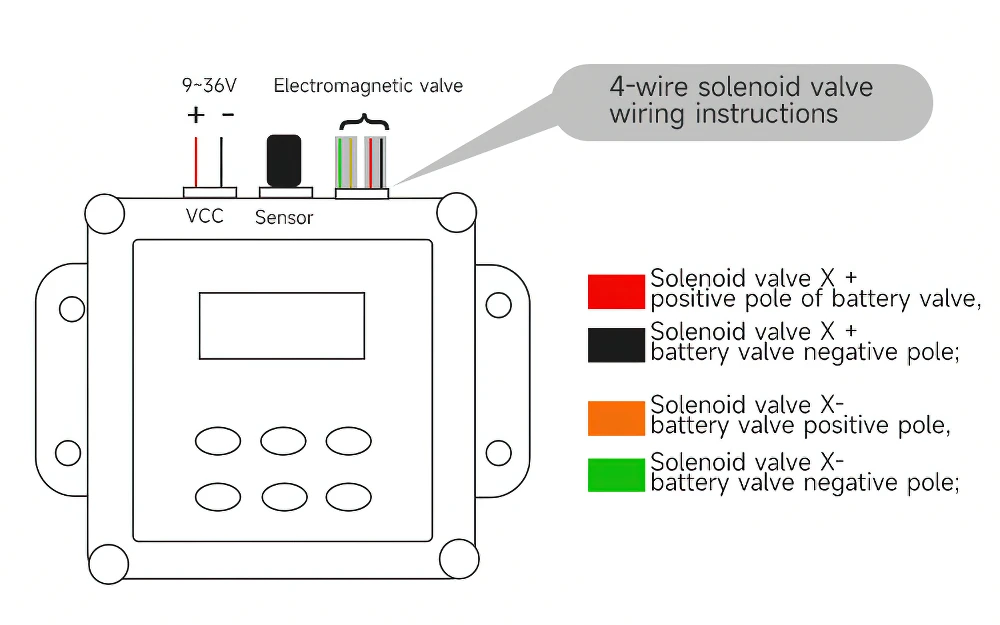
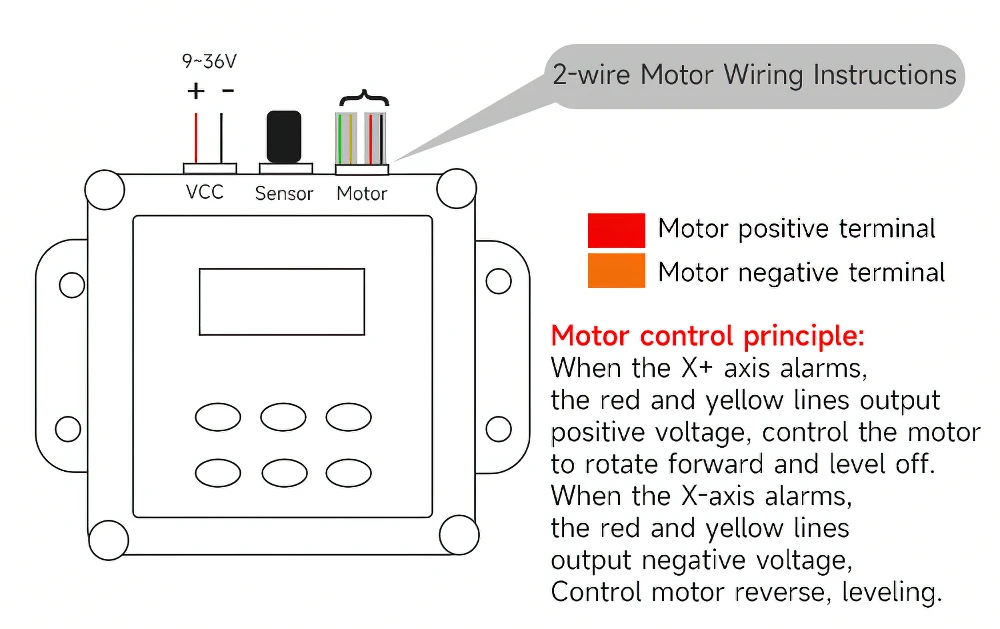
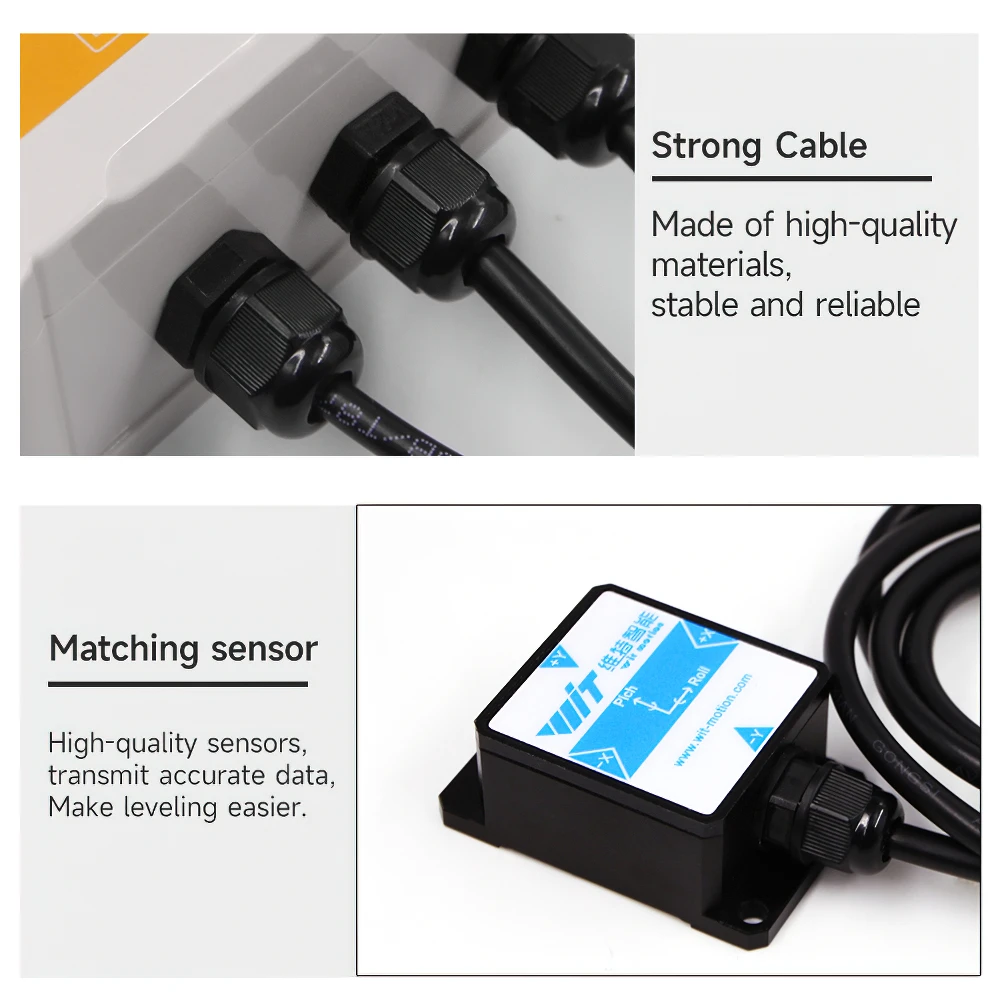
Power supply: the red wire is the positive pole, and the black wire is the negative pole;
Battery valve: the red line is the positive pole of the right battery valve, and the black line is the negative pole of the right battery valve;
The yellow line is the positive pole of the left battery valve, and the green line is the negative pole of the left battery valve
Motor: The red line is the positive end of the motor
The yellow wire is the negative terminal of the motor
4. Operating Instructions.
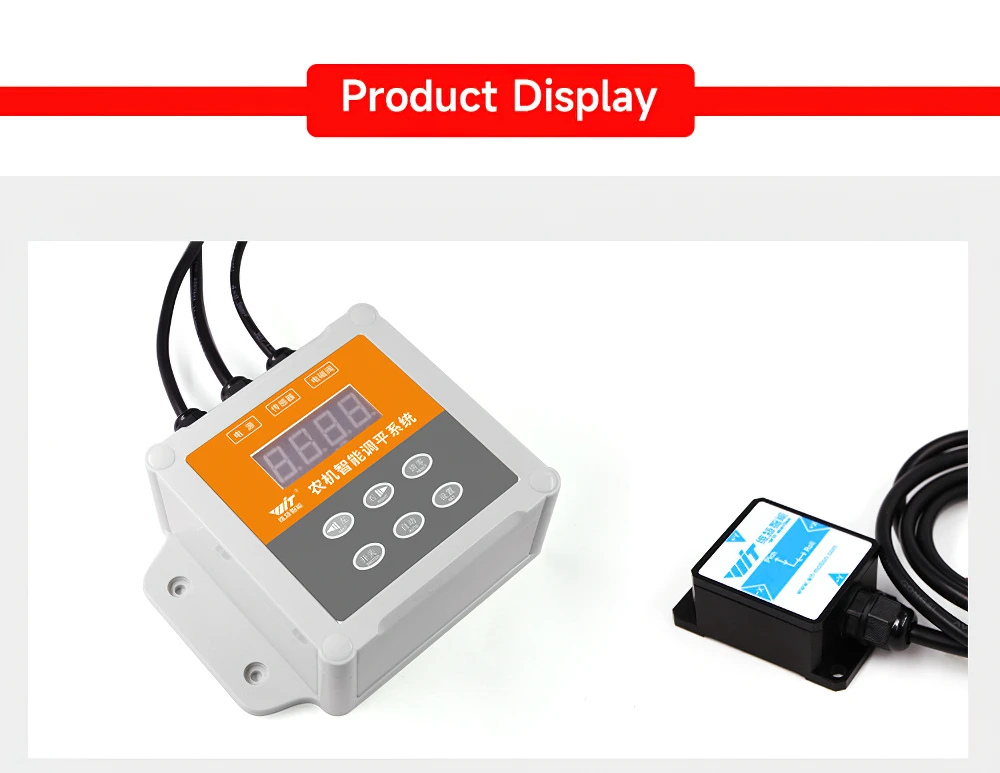
1. Connect the 12V power supply, the red wire is connected to positive, the black wire is connected to negative, and the display screen lights up;
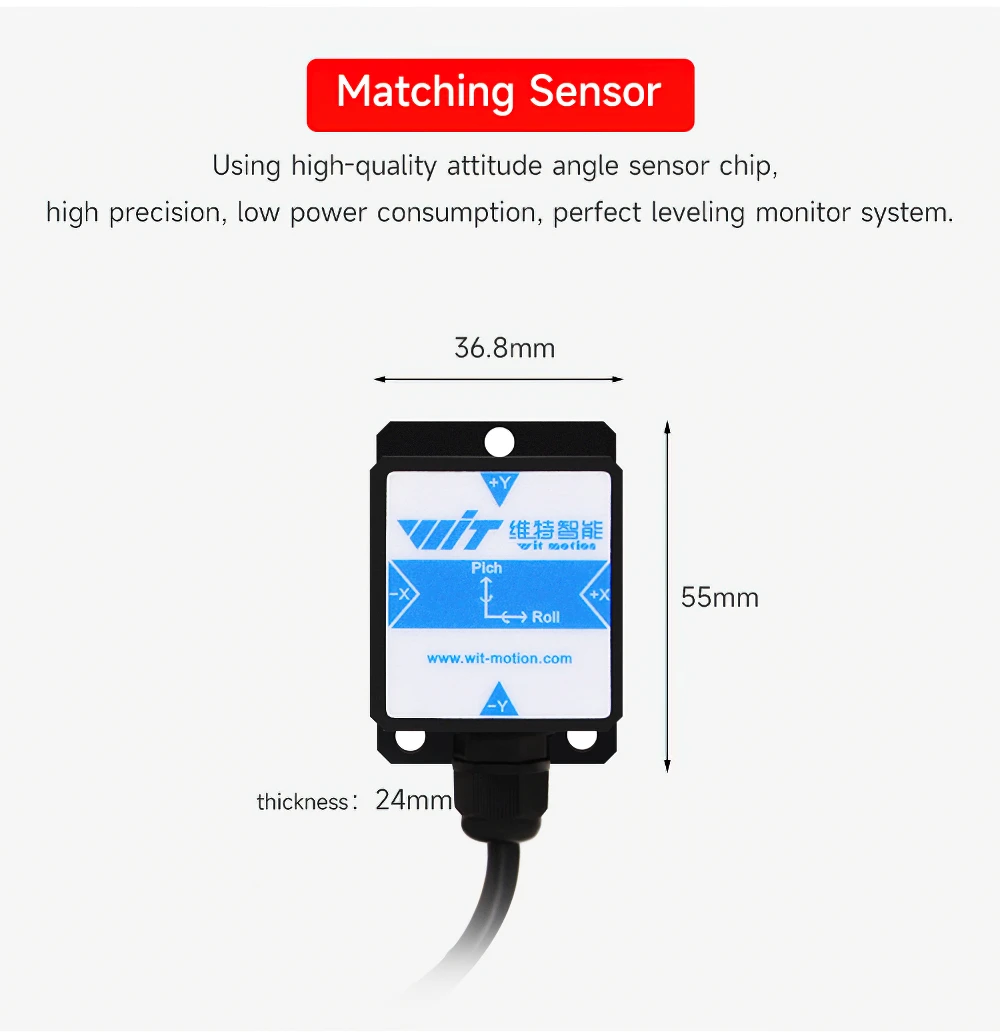
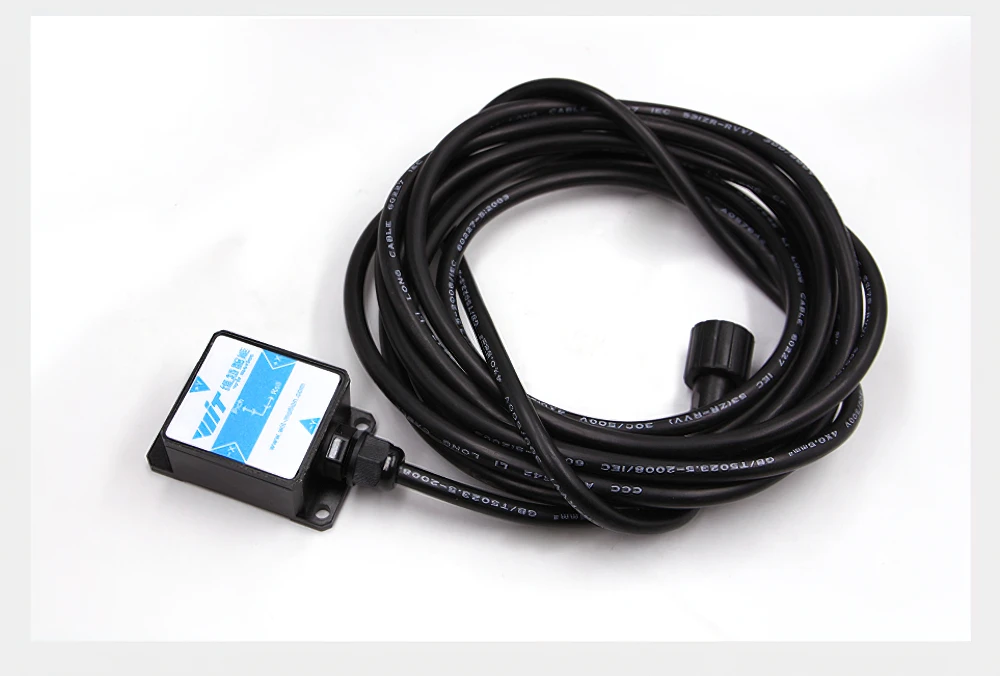
2. Connect the sensor, and the display will display the data;
3. Connect the battery valve, the red line and black line control the right side, and the yellow line and green line control the left side;
4. If you want to set the position at this time to 0 degrees, you can long press the "Reset" button to set it to zero;
5. Press and hold the "Setting" button to enter the "Setting Interface", and you can set the angle value of the alarm through the "Left" and "Right" buttons.
For example, if you set 2 degrees, it means plus or minus 2 degrees, greater than 2 degrees or less than -2 degrees to trigger, after the operation is completed, press and hold again
Press the "Setting" button to save the parameters and exit the "Setting Interface";
6. Press the "Automatic" button to enter the "Automatic Mode". According to the alarm value set above, when the sensor exceeds the alarm value
When the value is reached, the battery valve is automatically opened;
7. Make the sensor tilt more than 2 degrees, and the battery valve triggers;
8. If you want to return to the manual mode, you can press the "Left" and "Right" buttons to return to the manual mode. At this time, you can manually control the electric motor.
Pool valve, press the "Left" and "Right" buttons to control according to requirements; if you want to keep opening the battery valve, you can keep pressing it;
9. Long press the "Switch" button to turn off the leveling system.


There are no reviews yet.